My son is two. He started walking at nine months, knew his alphabet and a few numbers before his first birthday, and these days he watches me at the laptop and asks to “be like dad.”
I wanted to give him that — real time on a keyboard, learning something. But every kids’ app I tried was the same: ads, flashing rewards, little loops built to keep him tapping. He couldn’t settle on anything, because nothing was built for him to settle. So one weekend I built my own.
If you have a young one, here’s the whole idea
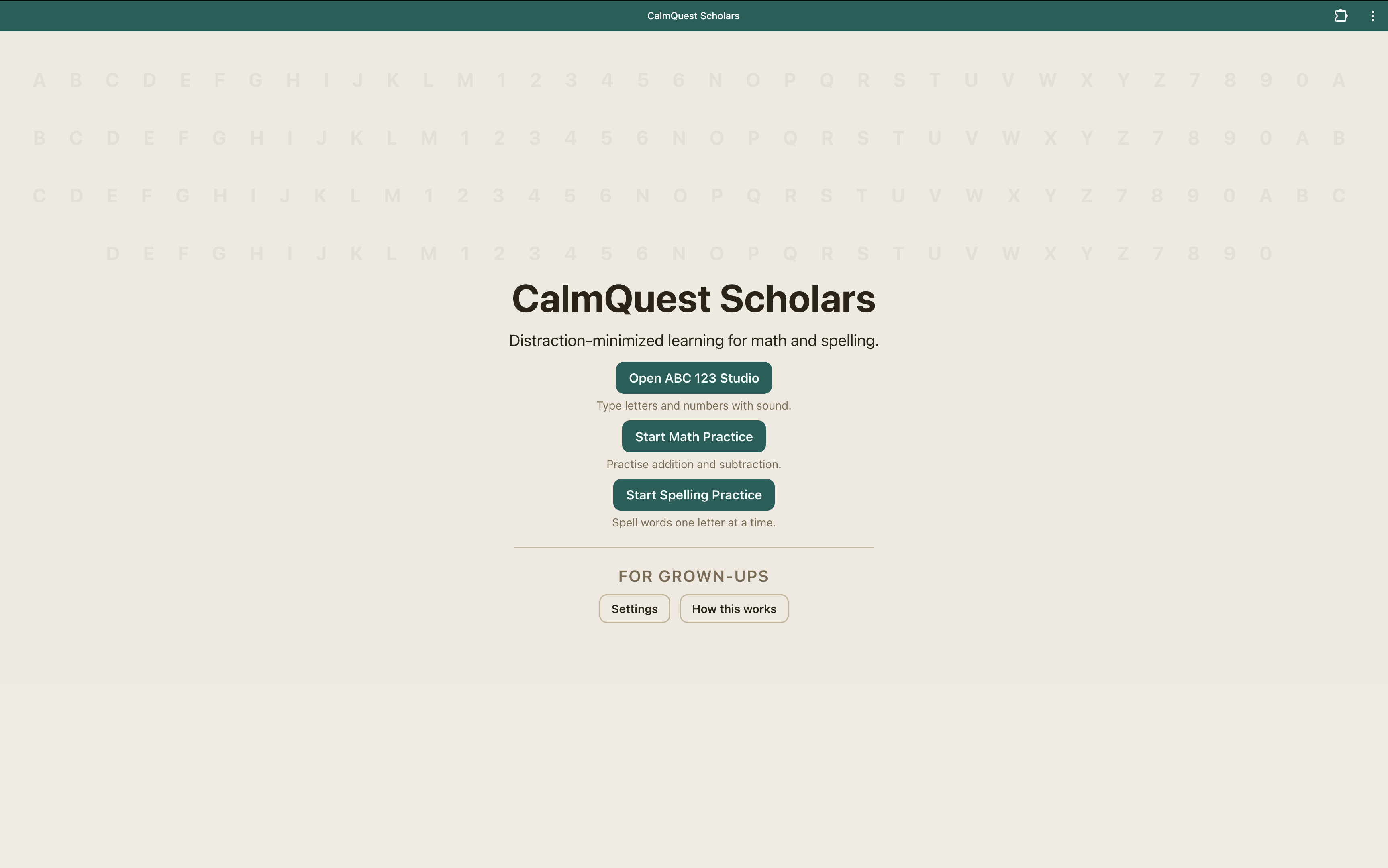
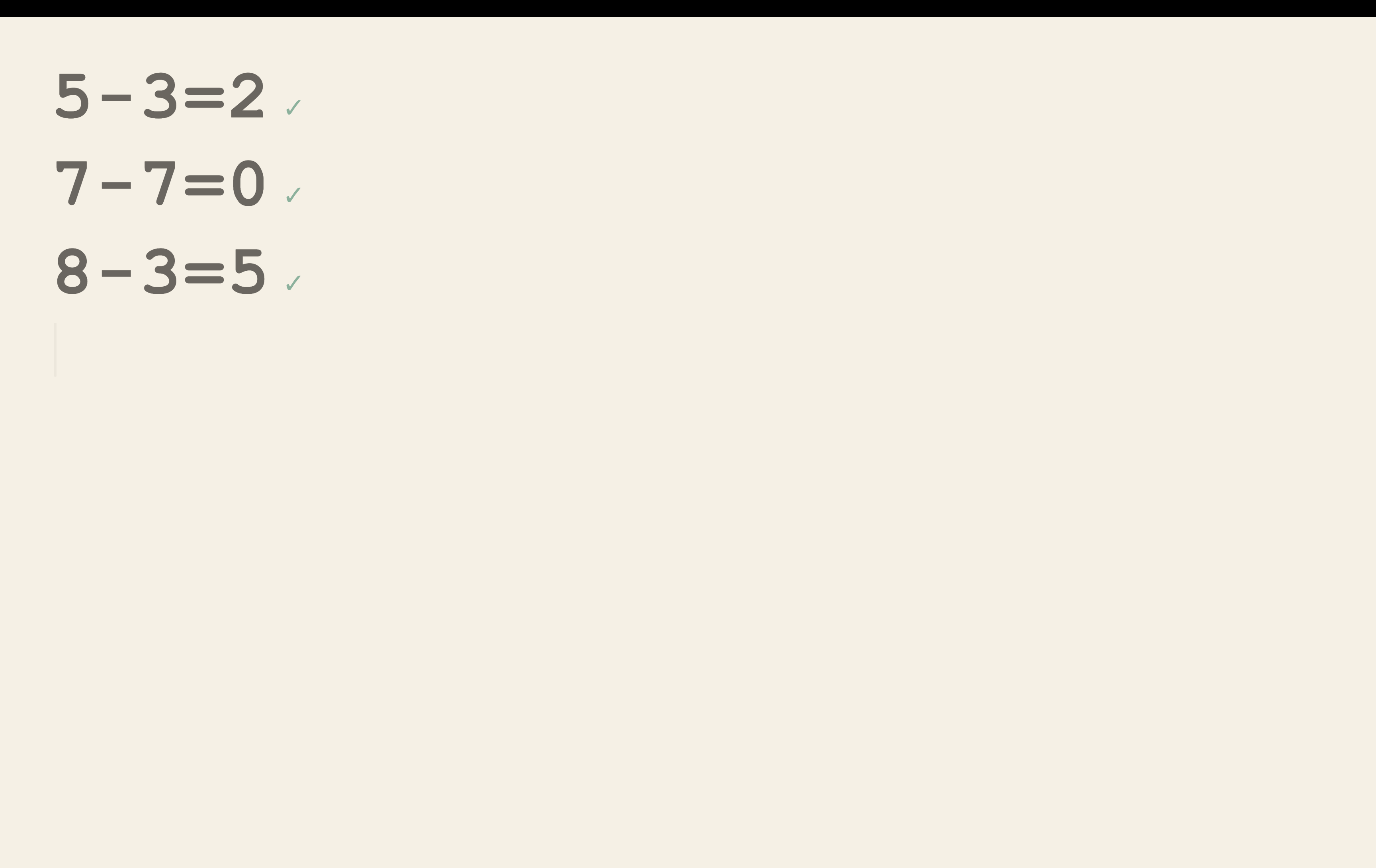
CalmQuest Scholars is just math and spelling. Nothing flashing, nothing selling, nothing pinging. Your child types on a real keyboard, sees if they got it right, and keeps going. That’s it — and that’s the point. It’s calm enough that a kid can actually focus.
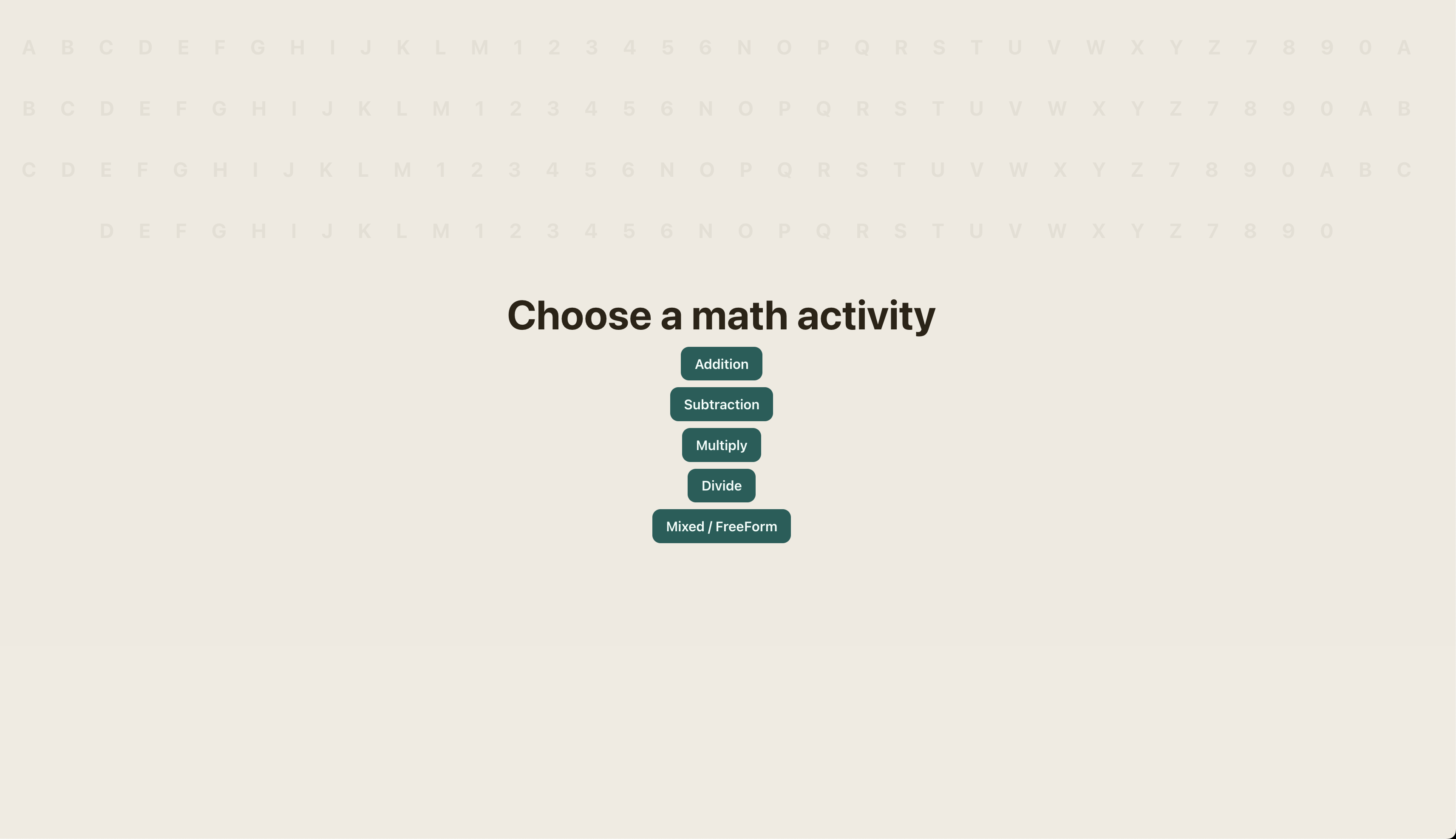
There’s nothing to download and no account to make. You open calmquestscholar.netlify.app in any browser and start. It works on any laptop or tablet that has a real keyboard, so little fingers get early keypad reps while they learn. Pick a math activity, or practice spelling one letter at a time.
The moment I knew it worked
He sat down, typed, sounded things out, and actually stayed with it. He even left his own scribbles around the screen. He loves it and keeps coming back on his own.
It started as a gift for one curious little boy. If your kid likes it too, that would make me really happy.
Try it (no download, just open it): calmquestscholar.netlify.app